What to check before using Xbox Cloud Gaming in the UK
Confirm the game, device, subscription and connection for the session you have in mind.
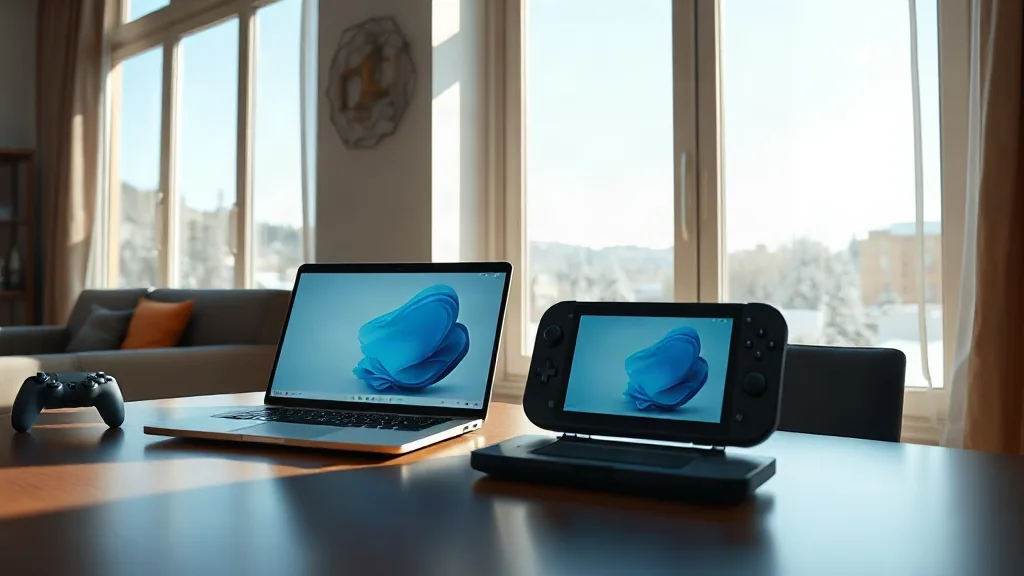
Begin with the game you want to play. Xbox Cloud Gaming streams supported games on compatible devices, so check the current UK catalogue for the exact title. Use the cloud listing when planning a streaming session, especially if you first found the game through a console or PC entry.
Next, confirm that the device you intend to use is compatible and check the subscription requirements against the account you plan to use. If you are setting up a session on a different device, repeat those checks for that setup.
Finally, compare Xbox’s connectivity requirements with the connection you expect to use. Do that for the location where you intend to play, since a check on your home connection answers a different question from a check elsewhere.